
Here is a simple, step-by-step guide to setting up your business on Google so you can start collecting reviews.
The review link you want comes from a Google Business Profile. This is a free profile that lets you manage how your business appears on Google Search and Google Maps.
Step 1: Create Your Google Business Profile
This is the most important step. You'll need a Google account to begin.
- Go to google.com/business.
- Click "Manage now" and sign in with your Google account.
- Enter your business name. As you type, Google will check if a profile already exists.
- Follow the on-screen prompts to add your business details:
- Business category
- Business address (if you have a physical location customers visit) or a service area (if you travel to your customers).
- Contact phone number and website.

Step 2: Verify Your Business
Before your profile goes live and you can get reviews, Google needs to confirm that your business is legitimate.
- Google will offer one or more verification methods. This is often a postcard mailed to your business address with a code, but it can also sometimes be done via a phone call, text message, or video recording.
- Complete the verification step. This process is essential—your review features won't work until you are verified.
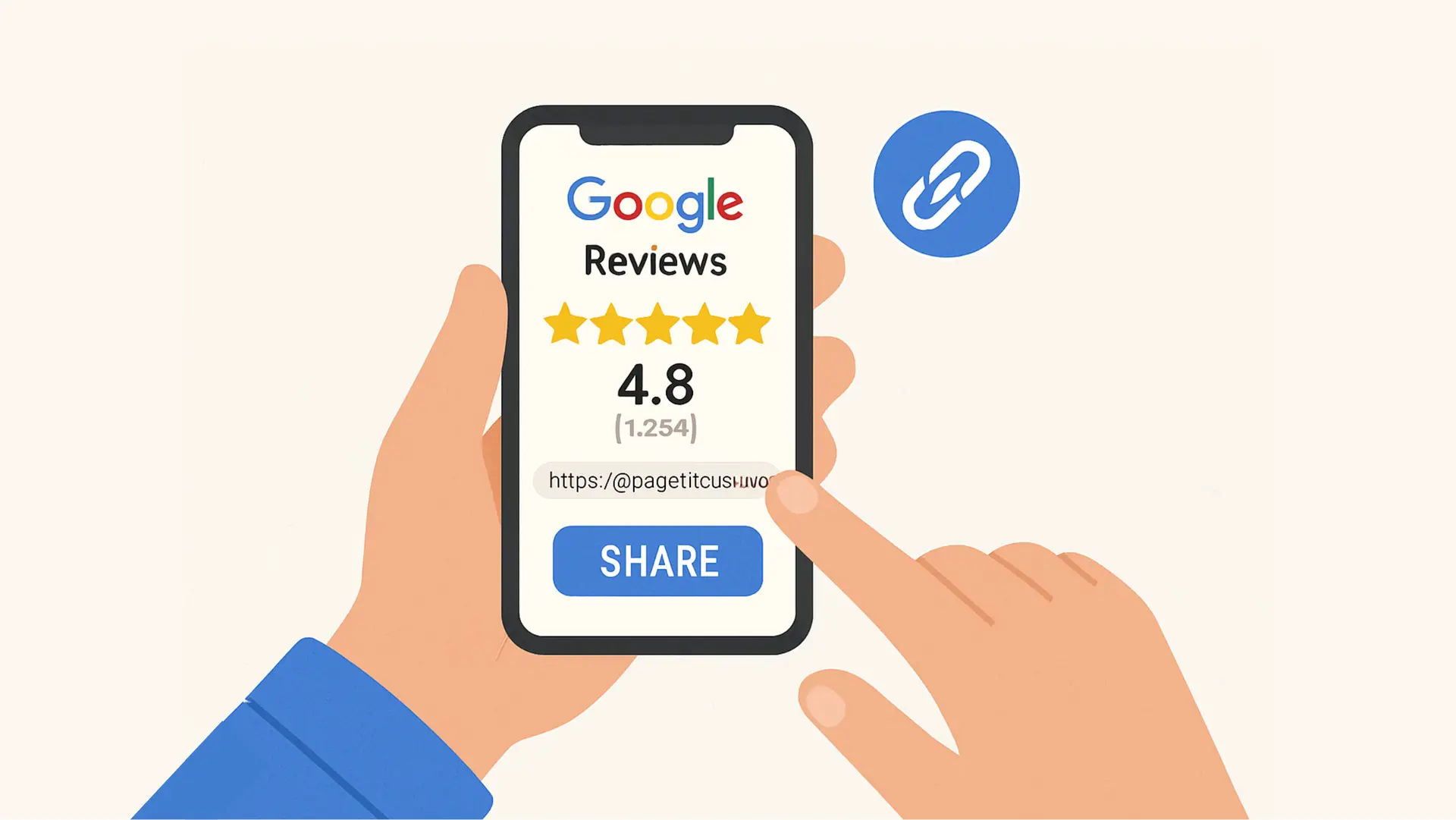
Step 3: Find and Share Your Review Link (After Verification)
Once your profile is set up and verified, getting your review link is easy.
- Make sure you are logged into the Google account used to manage your business.
- Go to Google Search and type in your exact business name.
- You should see your business profile in the search results with a small management dashboard.
- Look for a button that says "Ask for reviews" or "Get more reviews".
- A pop-up window will appear with your direct review link.
- Click to copy this link. This is the link you can send to your clients, just like the one I sent to you!
Pro-Tip: Save this link somewhere handy—like in your email signature, on your website, or in a notes app—so you can easily send it to customers after a successful job.